
Destination wedding save the dates: timing, details and wording
How early to send, what travelling guests need to know, wording ideas and how to keep travel details in one place.
Timing · 5 min read
A clear timeline for local, destination and peak-season weddings, plus what to write, who to send them to, and the mistakes to avoid.

New to digital invitations? Read the complete guide to digital wedding invitations.
A save the date has one job: to stop your guests booking something else on your wedding day. Send it too late and people have already made plans; send it too early and it's forgotten. The right moment depends on where your wedding is and when.
No. You need just three things: the date, the city or venue, and your guest list. The schedule, dress code and the rest can wait for the invitation. If the venue isn't confirmed yet, the city is enough.
For a small local wedding, it's fine to skip save the dates and send invitations a little earlier instead.
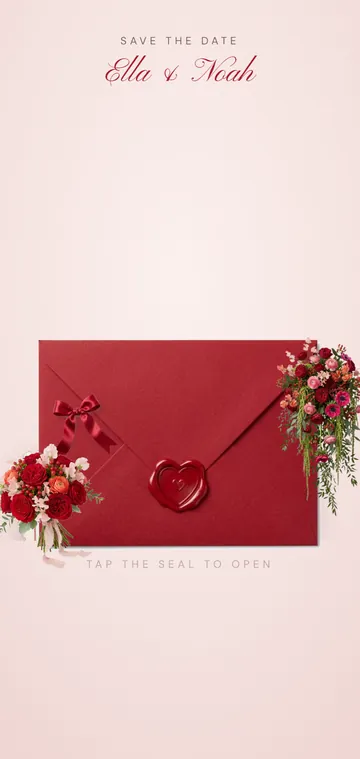
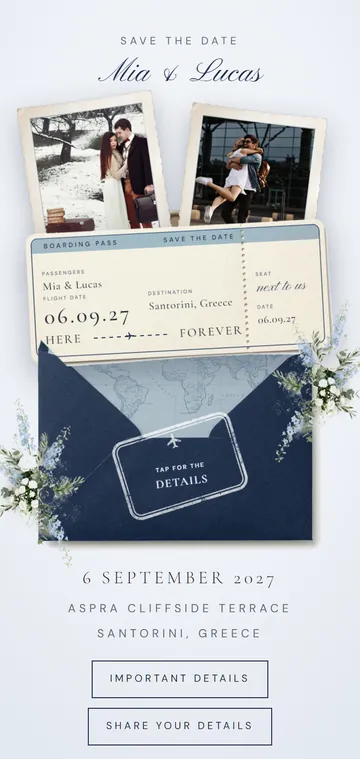
A digital save the date arrives instantly, wherever guests live, and can do things paper can't. Our save the date designs include a live countdown and an add-to-calendar button, so the date goes straight into a guest's phone. Several, like Matchbox and Sunkissed, have a page where guests leave their email or phone number for the formal invitation, which solves the address problem. Lavender Seal lets guests send an early reply to say whether they hope to come.
Planning a wedding abroad? Read our destination wedding save the date guide.
For a destination wedding, no: 8–12 months is ideal. For a local wedding, a year can be too early and people may forget, so 4–6 months is better.
No. They're most useful when guests travel or your date is busy. For a small local wedding you can simply send invitations a bit earlier.
Yes. A save the date is a promise of an invitation, so only send them to guests you're sure of.
Yes, as long as the date and city are fixed. Mention the city and say that details will follow.
Around 4 months before. Any later, and it's usually better to send the invitation itself.
Yes, on our designs there's an add-to-calendar button next to the countdown.
How early to send, what travelling guests need to know, wording ideas and how to keep travel details in one place.
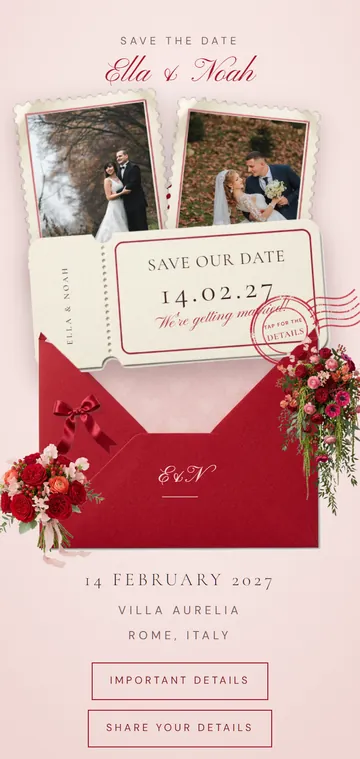
Short, formal and funny save the date lines, versions for destination and multi-day weddings, and what not to write yet.
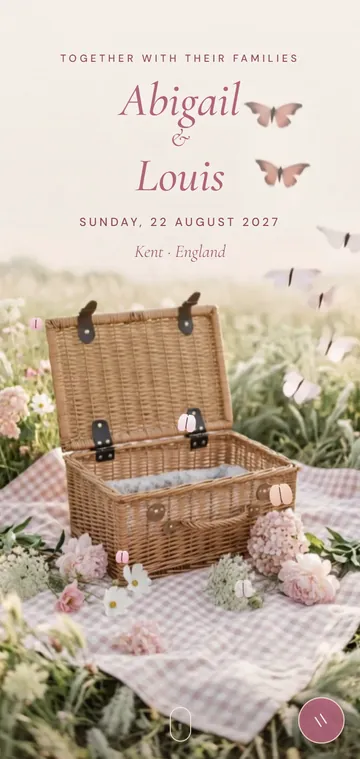
An honest comparison of cost, convenience, etiquette and guest experience, so you can decide what suits your wedding and your guests.